


Best AI Social Media Workflow for Small Teams 2026
Practical guidance for SaaS builders and creators: execute consistently now, and prepare for AI-guided scaling next.
Small teams need a workflow, not another loose AI prompt
The best AI social media workflow for small teams is not a folder full of generated captions. It is a repeatable system for collecting ideas, turning them into channel-ready posts, reviewing the work, and scheduling everything before the week becomes reactive.
That matters because small teams usually have the same publishing goals as larger marketing teams, but without the extra headcount. One person may own strategy, copy, approvals, design notes, publishing, replies, and reporting. AI can help, but only when it sits inside a workflow that keeps context, quality, and timing together.
If you already know you want AI to handle more of the manual work, start with our guide to automate social media posts with AI. This article focuses on the operating system around that automation.
What an AI social media workflow looks like in 2026
An AI social media workflow connects five jobs that are often split across notes, docs, spreadsheets, and scheduler tabs:
- Capture source ideas from product updates, customer questions, founder notes, and campaigns.
- Turn each idea into platform-specific drafts.
- Review posts for accuracy, brand voice, compliance, and timing.
- Schedule approved content across every channel.
- Learn from performance and feed stronger inputs back into the next cycle.
The important shift is that AI does not replace the team's judgment. It removes repetitive translation work. A single product update can become a LinkedIn post, an X thread, a Threads prompt, a Pinterest description, and a Reddit discussion starter, but someone still needs to decide what should ship and why.
Teams that skip the workflow usually create more noise. They generate ten drafts, paste them into a spreadsheet, lose track of which version was approved, then rush to publish at the end of the week. A strong workflow keeps AI output tied to a calendar, an owner, and a clear next action.
Step-by-step: build an AI social media workflow
Step 1: Create one source queue
Start with one place for raw ideas. Do not ask the team to remember whether an idea lives in Slack, a meeting note, a Notion page, or a founder's voice memo.
Your source queue should capture:
- Campaign or product context
- Target audience
- Core message
- Proof, example, or data point
- Preferred channels
- Deadline or launch date
- Owner for review
The source queue is where AI quality begins. A generic prompt like "write a post about our new feature" will create generic content. A source item that explains the customer pain, product angle, and proof point gives AI enough context to create something useful.
For SaaS teams, this is closely related to building an AI content strategy for SaaS founders. Strategy gives the workflow direction. The workflow makes sure the strategy actually reaches the calendar.
Step 2: Turn one idea into channel-specific drafts
Small teams save the most time when AI adapts one strong idea for multiple channels instead of starting from zero for every post.
Use a repeatable drafting prompt:
- Summarize the source idea in one sentence.
- Write a LinkedIn version with a clear opening line and practical takeaway.
- Write an X version with one sharp point and optional thread structure.
- Write a Threads version that sounds conversational.
- Write a Reddit version that leads with value and avoids promotional framing.
- Suggest one visual or asset note if the post needs media.
The goal is not to publish every variation. The goal is to give the reviewer strong options quickly. A marketer can then choose the best fit, combine pieces, or reject weak versions before the queue fills up.
Step 3: Add review before scheduling
AI makes it easier to produce content, which also makes it easier to publish mistakes. Add a review step before anything reaches the calendar.
A practical review checklist should answer:
- Is the claim accurate?
- Does the post match the channel?
- Does the first line make the reader want to continue?
- Is the CTA natural?
- Is the tone consistent with the brand?
- Is the post assigned to the right campaign or launch?
If more than one person approves content, define the decision rule in advance. For example, product claims may need a founder review, while weekly educational posts may only need a marketing review. Our guide to building a social media approval workflow covers this in more detail.
Step 4: Schedule from the same workspace
The workflow breaks when approved drafts have to be copied into a separate scheduler one by one. Small teams should keep the approved post, channel, date, status, and campaign context connected.
At minimum, every scheduled post should show:
| Field | Why it matters |
|---|---|
| Channel | Prevents posting the wrong format in the wrong place |
| Publish date | Keeps campaigns and launches coordinated |
| Status | Shows whether the post is draft, in review, approved, or scheduled |
| Owner | Makes follow-up clear |
| Source idea | Helps the team reuse context later |
This is where AI workflow tools beat standalone caption generators. A generator helps with writing. A workflow helps the team ship.
Step 5: Feed performance back into the next cycle
Do not judge the workflow only by how many posts it creates. Judge it by whether the next week gets easier and smarter.
Track simple signals:
- Which source ideas turned into the best posts
- Which hooks earned replies or saves
- Which channels needed the most rewriting
- Which approvals slowed the team down
- Which topics supported sales or customer conversations
Use those signals as inputs for the next planning session. AI gets more useful when it learns from the team's real content patterns instead of starting fresh every week.
Common mistakes to avoid
Letting AI choose the strategy
AI can help structure ideas, but it should not decide what your company believes. The team should choose the market point of view, product angle, and target audience before generation starts.
Publishing the same post everywhere
Cross-posting saves time in the short term, but it weakens performance. A LinkedIn lesson, X thread, Threads post, and Reddit discussion can share one idea while using different formats.
Skipping review because the draft sounds polished
Polished does not mean accurate. AI can make weak claims sound confident. Keep review in the workflow, especially for product promises, customer results, regulated topics, and competitor comparisons.
Using a spreadsheet as the final system
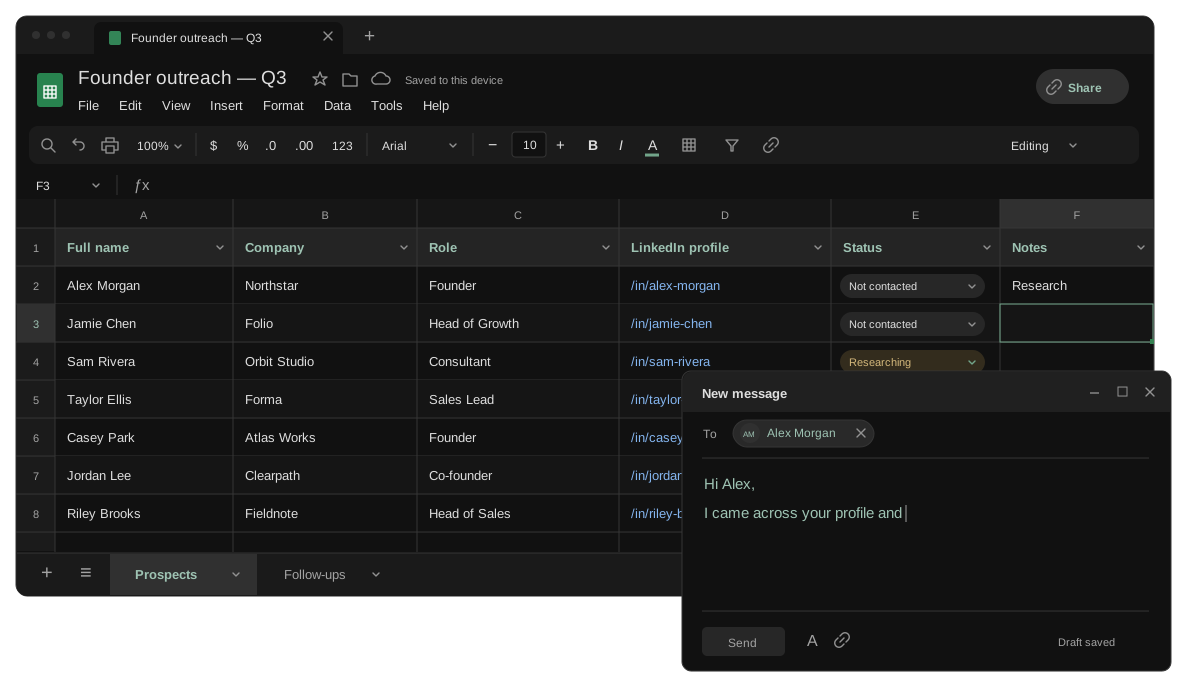
Spreadsheets are useful for planning, but they become fragile when the team needs drafting, review, scheduling, and performance in one place. Use them only if every status and owner stays current.
AI workflow before and after
| Workflow area | Before AI workflow | After AI workflow |
|---|---|---|
| Idea capture | Scattered notes and last-minute requests | One source queue with context and owners |
| Drafting | Blank page for every channel | One idea becomes several channel-ready options |
| Review | Approval happens after posts are copied around | Approval happens before scheduling |
| Scheduling | Manual copy and paste into separate tools | Approved posts move into the calendar with context |
| Learning | Performance is checked occasionally | Wins and bottlenecks improve the next cycle |
The practical result is not just faster writing. The team spends less time chasing versions, rebuilding context, and wondering what is safe to publish.
FAQ
What is the best AI social media workflow for small teams?
The best workflow connects idea capture, AI drafting, review, scheduling, and learning in one repeatable process. It should reduce manual work without removing human judgment.
Should small teams use AI to write every social media post?
Not always. AI is strongest at turning clear inputs into first drafts and variations. The team should still own positioning, proof, final approval, and sensitive claims.
How many posts should a small team create with AI each week?
Start with a cadence the team can review properly. For many small teams, that means three to five strong posts per week across priority channels before expanding.
Build a workflow your team can actually maintain
An AI social media workflow only works when it reduces handoffs. If ideas live in one place, drafts in another, approvals in a third, and scheduling in a fourth, AI will make the mess faster instead of fixing it.
Privly helps small teams turn source ideas into channel-ready posts, review them before they go live, and schedule approved content from one workspace. If you want an AI social media workflow that connects planning, writing, approvals, and publishing, start free with Privly and build the weekly system your team can keep using.
More from the blog
Best Content Repurposing Tool for Small Teams 2026
Compare the best content repurposing tool for small teams in 2026. Turn one idea into channel-ready posts, approvals, and schedules faster every week.
June 16, 2026 · Privly Team
AI Content Strategy for SaaS Founders: From Ideas to Scheduled Posts
Build an AI content strategy for SaaS founders that connects product context, founder voice, weekly planning, social drafts, review, and scheduling.
June 5, 2026 · Privly Team
Founder-Led Distribution for SaaS: A Practical Playbook
Use this founder-led distribution playbook to turn SaaS founder ideas, product updates, and customer proof into a consistent social content system.
June 5, 2026 · Privly Team